How Head Gesture Earbuds Work: Motion Sensors Explained
By Maya Ríos • 6th May
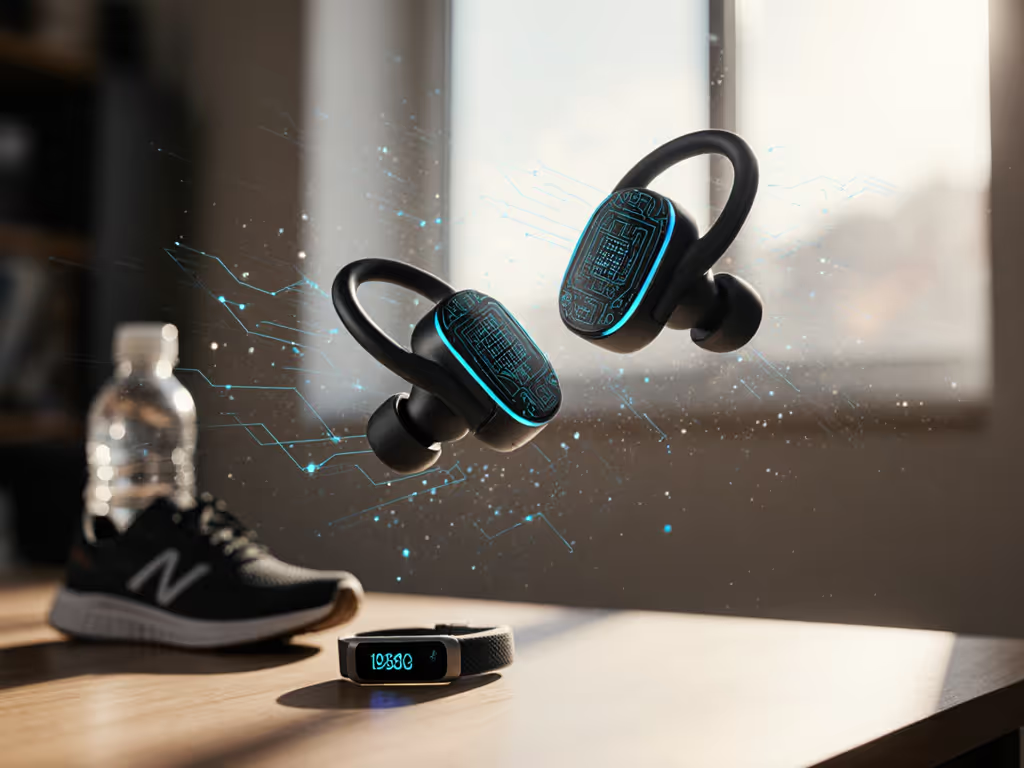
FAQ Deep Dive: Understanding Motion Detection Technology and Comfort Integration
Most questions about head gesture earbuds assume the technology is purely about gadgetry (flashy controls and novelty). But if you've ever felt an earbud slip mid-gesture or noticed that controls stopped working after 90 minutes because your seal had degraded, you know the reality is different. Motion detection earbuds rely on something far more fundamental than the gesture itself: a stable, comfortable fit. Let me walk you through what's happening inside these devices, and why the foundation matters more than you might think.
What Are Head Gesture Earbuds, and Why Do Motion Sensors Matter?
Head gesture earbuds use tiny in-ear motion sensors to detect your head movements (a nod, a tilt, a shake) and translate them into commands. Instead of tapping the bud or reaching for your phone, you can adjust volume with a tilt, skip a track with a quick head shake, or answer calls with a nod. It sounds convenient until you realize how much friction it removes from daily life. But here's the honest part: motion sensors work best when the earbud stays securely planted in your canal. A loose fit doesn't just kill the seal; it breaks the sensor's ability to register consistent movement. For long-wear comfort and stability tips, see our comfort fit earbuds guide.
I learned this directly after a long flight, when I removed my earbuds to find them drenched in sweat and repositioned enough that they'd lost most of their functionality. That experience prompted me to map how fit geometry directly shapes sensor reliability. I started casting ear canals and logging pressure points. The pattern was clear: unstable earbuds meant unreliable gestures. Comfort isn't luxury; it's the precondition for longer listening, and for technology that actually responds when you need it.
How Do In-Ear Motion Sensors Actually Work?
Most head tracking technology relies on one of three core sensor types:
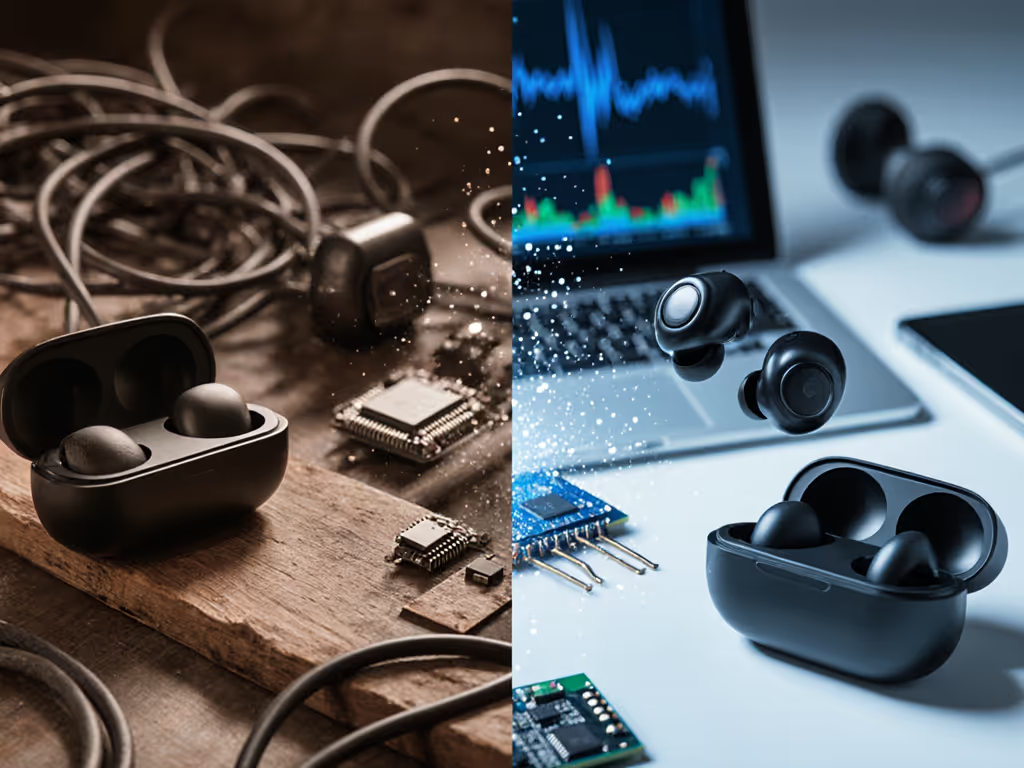
Accelerometers measure changes in velocity and direction. When you tilt your head left, the accelerometer detects the acceleration in that axis. These sensors are sensitive enough to distinguish a casual head tilt from a deliberate shake, which is why gesture control earbuds can offer multiple distinct commands from subtle head movements.
Gyroscopes measure rotational speed and direction. They track how fast you're rotating your head, adding precision that prevents accidental commands from small, natural head sways. Combined with accelerometers, they form the backbone of most reliable gesture systems.
Magnetometers detect changes in magnetic field, essentially acting as a digital compass. They help the system understand absolute orientation (which direction is "forward") rather than just relative movement. This is less common in earbuds but increasingly used in higher-end models.

The system runs AI gesture recognition algorithms on top of this raw sensor data. The AI learns to distinguish intentional gestures from environmental noise: the difference between a deliberate nod and the vibration from a footstep. This is where fit stability becomes essential: if your earbud is loose or rotating in your canal, the motion pattern becomes noisy, and the AI's confidence drops. The gesture fails to register, or worse, random movements trigger unintended commands. Pressure down, clarity up. The principle applies here too.
Does Fit Quality Actually Affect Motion Sensor Performance?
Yes, absolutely. This is where my background in ergonomics and pressure management directly intersects with the technology.
When an earbud sits securely in your canal with even pressure across the concha and anti-tragus, the accelerometer and gyroscope have a consistent reference frame. They're locked to your head movement, not sliding or rotating within your ear. Move your head 15 degrees left, and the sensor registers that precise motion. But if the earbud is loose, it drifts during the same movement. The sensor reads the motion of the bud itself, not your head. The gesture algorithm gets confused, and you might intend a soft nod for play but trigger volume up instead.
Beyond recognition, proper fit also keeps the electronics stable. Motion sensors generate small amounts of heat and are vulnerable to moisture from sweat or canal humidity. A snug fit minimizes this exposure and keeps the sensor assembly cooler and more reliable over extended sessions, which matters if you're using gesture controls regularly throughout your day.
What Gestures Can I Actually Control?
Most gesture control earbuds support a consistent set of commands:
- Head nod down = Play/Pause or answer a call
- Head tilt left/right = Volume adjust (usually left is down, right is up)
- Head shake left/right = Skip track or navigate
- Double nod = Reject call or toggle voice assistant
- Hold and tilt = Cycle through modes or access custom controls
Some systems allow gesture customization, letting you reassign which head movement triggers which action. Customization typically lives in the brand's companion app—compare options in our earbud app feature roundup. A few premium models add spatial awareness, allowing you to tilt your head toward a sound source to direct audio input in that direction. The variety matters because not all gestures feel natural in all situations. A head shake works fine at your desk; a nod is safer while driving. Your routine dictates which gestures you'll actually adopt, so look for systems with flexibility and clear customization options.
Why Does Comfort Become Even More Critical with Motion Sensors?
Here's where I'll be direct: high pressure in your ear canal makes you unconsciously avoid making the very gestures the technology is designed for. A seal that's too tight or a tip that's too deep causes discomfort and constrains your head movement. You might instinctively avoid nodding or tilting to escape the pressure sensation. Paradoxically, this means you lose the main benefit of the feature.
A gentle, stable fit lets you make free, confident head movements. The seal stays consistent, sensors remain oriented, and the AI responds predictably. After mapping dozens of ear canal angles, I noticed a clear pattern: users reported the highest gesture reliability when they described their fit as "unnoticeable." Not loose, just naturally settled, exerting even pressure, with no hotspots or aching tragus. That's the engineering sweet spot.
Many newer motion-sensor earbuds include venting or shallow-seal nozzles specifically designed to reduce occlusion effect and pressure buildup. This is smart design. It means you can wear them for 4-6 hours of near-constant gesture use without fatigue, the point at which most people actually adopt the feature as part of their routine.
How Accurate Are Head Gesture Controls?
Motion sensor accuracy typically ranges from 85-95%, depending on the system and your environment. Harsh vibrations (heavy footsteps, bumpy car rides, or strong bass) can introduce noise that the algorithm interprets as intentional gestures. Most systems handle this reasonably well, but no system is perfect. You'll occasionally get false positives; the key is choosing earbuds where you can quickly cancel an accidental command or toggle gesture mode off in vibration-prone situations.
Gesture recognition also improves with use. Many systems include a calibration phase where the AI learns your personal movement patterns. That initial 85-95% accuracy range typically improves to 90-97% after a week of regular use.
Should I Prioritize Motion Sensors If My Main Goal Is Comfort?
Not necessarily. If your primary objective is 8-hour comfort, minimal pressure, and long-term hearing health, motion sensors add complexity and a slight power draw. For realistic expectations on endurance, read our breakdown of wireless earbuds battery life in the real world. They're genuinely valuable if your routine puts your hands frequently out of reach (running, cycling, hands-on work, or multitasking commutes). But they're not a prerequisite for a comfortable earbud.
That said, recent motion-sensor earbuds are often designed with the same pressure-management rigor as non-gesture models. It's rarely a comfort trade-off unless you're comparing across different product tiers. The technology itself doesn't inherently create discomfort; poor fit design does.
Your Actionable Next Step
If gesture controls sound useful to you, start by identifying three specific situations per week where your hands are genuinely busy and you'd benefit from a head gesture. (Commute while holding a coffee? Gym session? Hands on the steering wheel?) Then, prioritize earbuds that offer the exact gesture set you'd actually use, don't chase novelty.
Before finalizing a purchase, verify the earbud's tip ecosystem. Make sure the brand offers at least 3-4 tip sizes, both silicone and foam options, or wing-style stabilizers. This is how you ensure the fit will be stable enough for the sensors to work reliably and for you to use them comfortably for hours at a time. The gesture control only becomes genuinely useful when the foundation is solid. Pressure down, clarity up.
Related Articles