Unlock Hidden Earbud Features With Open Source Firmware
By Tomoko Sato • 17th Jan

One bleary-eyed morning before a critical client demo, my earbuds refused to switch from laptop to phone. Coffee in one hand, frantically juggling Bluetooth menus with the other, I stood there realizing: if switching isn't seamless, the features might as well not exist. That failure sparked my deep dive into open-source earbud firmware, the key to creating truly custom in-ear earbuds that work with your life, not against it. Let's explore how firmware modifications can eliminate daily frustrations.
Fewer taps, fewer traps.
FAQs: Your Path to Truly Personalized Audio
What exactly is open-source earbud firmware?
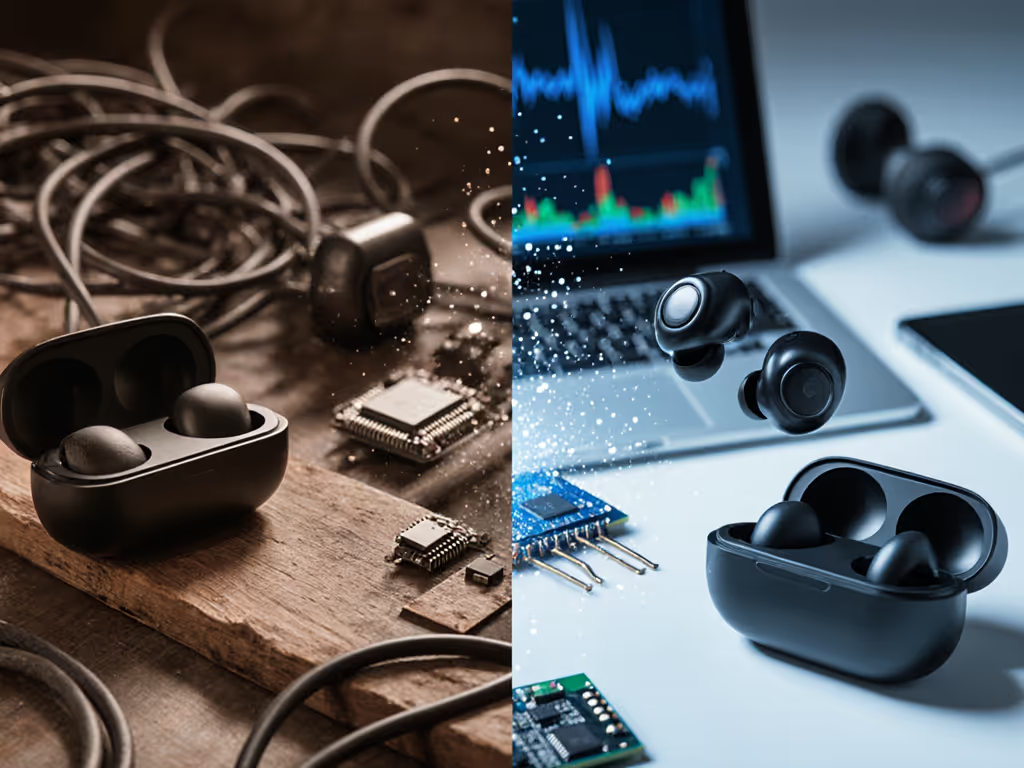
Open-source earbud firmware replaces proprietary software with community-developed code you can inspect, modify, and improve. Unlike locked-down manufacturer software, it gives you control over:
- Connection behavior
- Control mapping
- Audio processing
- Battery management
This isn't just for hackers. It solves real problems:
- "My buds disconnect when I turn my head toward my laptop"
- "The touch controls trigger when I adjust my glasses"
- "Battery drains too fast during calls"
Good design disappears; earbuds should switch, fit, and stay out of your way. Open firmware makes that possible.
What practical improvements can I expect?
Forget novelty features that never see use. If seamless transitions are your pain point, see our seamless device switching guide for proven fixes and best-performing models. Focus on eliminating your daily friction:
Fix connectivity reliability
| Problem | Open Firmware Solution |
|---|---|
| Drops when moving head | Adjust Bluetooth channel selection logic |
| Multipoint switches erratically | Customize priority logic for device switching |
| Slow reconnection after case removal | Reduce reconnect timeout from 8s to 2s |
Customize control ergonomics
Create mappings that match your routine:
- Work mode: Single tap = play/pause, double tap = mute
- Gym mode: Swipe up/down = volume (no accidental triggers)
- Commute mode: Long press = transparency mode
Solve fit-related audio issues
- Adjust ANC profiles based on seal quality detection
- Modify EQ presets to compensate for imperfect seals
- Enable automatic wind noise reduction when motion sensors detect running
These earbud firmware hacks address root causes rather than symptoms. For deeper context on tuning and limitations, read ANC technology explained.
Is modifying firmware safe for non-technical users?
Let's be clear: not all earbuds support safe firmware modification. But when done correctly on compatible hardware, it's lower risk than you think.
Safety checklist before proceeding:
- ✅ Verify your model has active community support
- ✅ Confirm recovery mode exists (most Nordic nRF52-based models do)
- ✅ Use only pre-validated firmware builds
- ✅ Backup original firmware first
Avoid:
- Hacks requiring soldering or chip removal
- Unverified firmware from unknown sources
- Anything requiring root access to your phone
If a process feels risky, skip it. Reliable daily use beats experimental features every time.
How do I actually implement these changes?
Follow this streamlined workflow:
- Identify compatible hardware
- Check if your earbuds use common chipsets (Nordic nRF52, Qualcomm QCC series)
- Search GitHub for "[your model] firmware"
- Look for projects with recent activity (past 6 months)
- Prepare your environment
- Install standard tools like nRF Connect or Gadgetbridge Also review our companion app comparison to understand EQ options, firmware update paths, and battery monitors.
- Never install sketchy executables from forum posts
- Start with minor tweaks
- Change device name to distinguish your pair
- Adjust button press duration threshold
- Modify auto-power-off timer
- Test thoroughly
- Pocket test: Verify no accidental triggers
- Switch test: Cycle between all paired devices
- Battery test: Monitor drain over 24 hours For realistic expectations, check battery life: real vs advertised.
This is where most DIY attempts fail: they skip the testing phase. Document your results like I do in my reliability logs. If something regresses, revert immediately.
What about warranty concerns?
Most manufacturers can't detect firmware modifications unless you brick the device. The PineBuds Pro team actually encourages community firmware development, recognizing that earbud community modifications improve their product.
Remember: You're modifying behavior, not hardware. When done properly using official update mechanisms, it's functionally identical to a manufacturer update.
What are realistic limitations?
Be skeptical of grand promises. Open firmware cannot:
- Fix physical design flaws (poor ergonomics, bad microphone placement)
- Create battery capacity that doesn't exist
- Make incompatible hardware work together
Focus on software-controlled improvements only. The best DIY earbud features solve specific, measurable problems, not "magic" performance boosts.
Your Action Plan: Start Small, Think Big
Don't try to overhaul everything at once. Pick one daily friction point and solve it:
- Today: Search GitHub for your earbud model + "firmware"
- This week: Install Gadgetbridge or Nordic's nRF Connect app
- Next month: Implement one verified improvement that solves your top pain point
I've tested dozens of third-party earbud software projects. The most successful ones fix mundane but critical issues: stable multipoint switching, reliable button mapping, and consistent battery reporting. These aren't flashy, but they're what make earbuds disappear into your day.
The most valuable modifications aren't about adding features. They're about removing obstacles between you and your work, workouts, or quiet moments. When your earbuds just work (no reseating, no menu juggling, no connectivity anxiety), you've achieved the holy grail of audio tech.
Your next step: Visit the OpenEarable GitHub repository. Look at their documented workflow for safe firmware updates. Then check if your earbuds have similar community support. Start with one small change that solves your most frequent frustration. Document your results, your experience helps others avoid the same pitfalls.
Fewer taps. Fewer traps. More moments where your technology simply works.
Related Articles